rizzitgo Web vs Sheets by Device
rizzitgo Web vs Sheets by Device
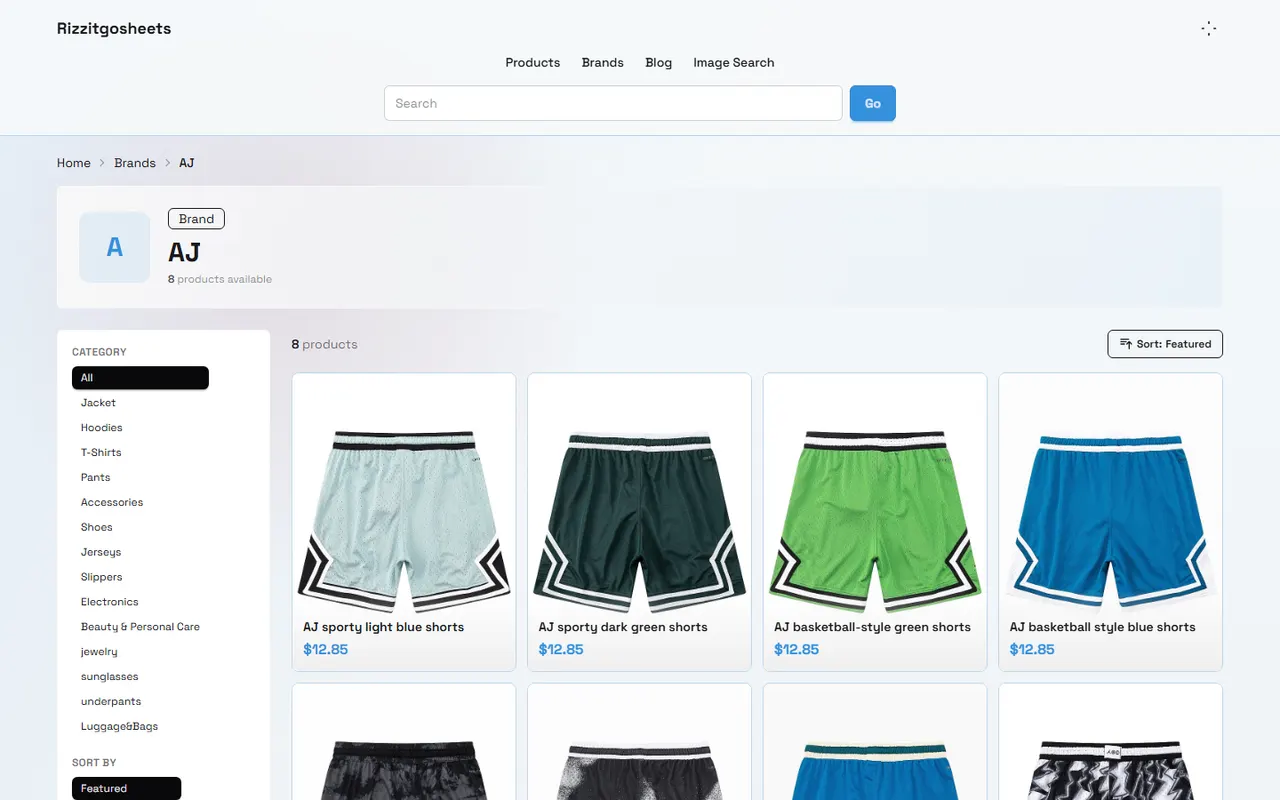
Image caption: Splitting rizzitgo website directory and Google Sheets use cases by device and task.
First distinguish the goals of desktop organizing and mobile quick lookup
When using rizzitgosheets.net, don't rush to judge whether a "website-style directory" is better or "Google Sheets" is better. A more practical division is: are you doing desktop organizing right now, or doing a quick lookup on your phone?
Desktop organizing usually happens during the concentrated filtering stage before purchase. You may have multiple product source pages open at the same time, recording sizes, comparing images, noting sellers, organizing a candidate list, and preparing to hand several items to a purchasing agent or forwarding process for further verification. These tasks require more columns, more stable copy-paste, clearer space for notes, and are better completed in Google Sheets.
Mobile quick lookup is more like a fast confirmation on the road, in a chat, or around warehouse inspection. You just want to know if there is a reference entry in a certain category, where a certain product was previously recorded, what the image roughly looks like, and whether the link can be quickly copied to yourself or a companion. In this case, the website-style directory is usually lighter, with lower entry cost, and less likely to be slowed down by complex tables 📱.
This article applies to users who already know that rizzitgo is an entry point for product leads and table directories. The goal is to help you establish a dual-entry division of labor. It is not applicable for judging product authenticity, promising inventory, confirming prices, guaranteeing logistics routes, or completing orders for you. All prices, inventory, sizes, link availability, shipping costs, and after-sales conditions should be re-verified on the product source page, in the purchasing agent backend, and with QC images before actual purchase. The verification date of this article is 2026-09-15, and no page status is written as permanently valid.
Which quick browsing scenarios are suitable for the rizzitgo website-style spreadsheet
The website-style directory of rizzitgosheets.net is more suitable for "finding the general direction first." If you haven't decided whether to go into detailed comparison and just want to quickly scan through categories, images, and titles, the website entry will be more handy than directly entering a complete table.
Scenarios more suitable for the website entry include:
Opening temporarily on mobile to quickly confirm whether a certain product lead exists.
Finding a roughly remembered entry from chats, bookmarks, or browser history.
Looking at images and titles first to judge whether it's worth entering more detailed filtering.
Sharing a browsing entry that is easier to open with friends or team members.
Not wanting to scroll horizontally through many columns of Google Sheets on mobile, just wanting to locate quickly.
The advantage of the website directory is that it is lightweight, intuitive, and good for browsing. Its limitation is also clear: if you need batch sorting, adding notes to many products, setting purchase priorities, comparing sizes, or recording QC results, web browsing easily becomes "seen but not accumulated." In that case, staying on the website entry will waste time.
A simple judgment: if your action is "just looking," use the rizzitgo website directory first; if your action is "making a decision," you should switch to Google Sheets or your own organizing sheet.
Which deep organizing actions are more suitable for Google Sheets
Google Sheets is more suitable for actions that need to leave traces. This is especially obvious on desktop, because the large screen can display product sources, tables, image previews, chat windows, and purchasing agent pages at the same time.
Actions suitable for completion in Google Sheets or a copied personal table include:
Tagging candidate products, such as pending price check, pending size check, pending QC, abandoned.
Recording differences between different sellers, different links, or different batches.
Adding notes, such as size deviation, color questions, materials needing confirmation, images needing re-check.
Using filter functions to keep priority candidates within the same category.
Separating items that are ordered, arrived at warehouse, after-sales requested, and completed receipt.
The key to deep organizing is not stuffing all information into the table, but letting the table play the role of "decision record." Product source pages are responsible for current price, inventory, seller description, and detail images; purchasing agent or forwarding backends are responsible for orders, warehouse status, shipping costs, and logistics; QC images are responsible for appearance judgment after the physical item arrives at the warehouse. Google Sheets is best for saving your judgment process, not replacing these sources.
It is recommended to keep at least four types of information for each candidate product: product link, source platform or seller identifier, current purpose note, and next action. Don't just save images, because images are hard to trace once separated from the link; and don't just save product names, because identical or similar titles may point to completely different products.
Demonstrate the operational differences of the two entries using the same product
Suppose you are looking for a top, and you have seen a seemingly suitable entry in the rizzitgo directory. The reasonable action on mobile is not to order immediately, but to first complete lightweight judgment: whether the image roughly matches the goal, whether the title points to the correct category, whether the link can be opened, and whether it is worth returning to desktop for further checking.
On mobile, you can do this:
Open the rizzitgo website directory and enter the corresponding category or entry area.
View the image and title to confirm whether it is the product type you are looking for.
Copy the link and send it to your own chat window, bookmarks, or to-do tool.
Mark a very short note, such as "check size later" or "compare black version."
On desktop, the actions for the same product should be more detailed:
Open the product source page and check title, specifications, size, color, seller description, and whether the page is still accessible.
Put the link into the organizing sheet, and add a note column to record questions.
If there are multiple similar entries, put them in the same group, not scattered across different sheets.
Before ordering, record the verification date, target size, expected use, and QC points that must be checked.
After arrival at the warehouse, update status based on QC images, rather than continuing to look only at original product images.
The core difference here is: mobile is responsible for capturing leads, desktop is responsible for forming judgments. Mixing the two entries is not scary; the real mistake is making final decisions hastily on mobile, or only bookmarking links on desktop without recording reasons.
Points to note about mobile back, image preview, and link copying
The advantage of mobile is speed, but it is also the most prone to mis-tapping, missing information, and losing context. Especially when jumping between social apps, browser built-in pages, or multiple tabs, the back button may not always return to the position you expect.
When using mobile to browse the rizzitgo website directory, it is recommended to compress actions into three things: look at images, confirm title, save link. Don't take on too many complex judgments on mobile. If the image preview is small, treat it as a "direction hint" first, not as QC evidence. Product images can only help you judge style and category, not prove physical material, workmanship, size, or warehouse status.
When copying a link, it is best to save a note at the same time. A single link easily loses context after a few days; you may not remember whether it was saved because of color, price, fit, or some matching need. The note doesn't need to be long; the shorter it is, the easier to keep up:
"Check size chart"
"Find same style lower price"
"Wait for QC image"
"Ask if black is available"
"Don't rush to buy"
If a link cannot be opened, the page jumps abnormally, or the product source page lacks a clear title, don't count it as a purchasable candidate. At most, it is a lead to be re-checked, not a verified product.
Comparison table for desktop filtering, notes, and candidate archiving
The most worth using on desktop is screen space and input efficiency. You can open rizzitgo, Google Sheets, product source page, and purchasing agent page at the same time, converting "likes" into "whether worth advancing." The following table is suitable for deciding which entry to use for a certain action.
Task | More suitable entry | Reason | Status after completion |
|---|---|---|---|
Quickly view categories and images | rizzitgo website directory | Easy to browse quickly on both mobile and desktop | Just a lead, not verified |
Batch filter candidates | Google Sheets | Can sort, filter, group, and note | Forms a comparable list |
Record size questions | Google Sheets | Needs continuous correspondence with source page and QC images | Pending verification or confirmed |
Temporarily share with friends | rizzitgo website directory or product link | Low opening cost, faster communication | For discussion only |
Final judgment before ordering | Product source page plus purchasing agent page | Price, inventory, specifications, and fees will change | Based on same-day verification |
Judge appearance after warehouse arrival | QC images and warehouse information | Original images cannot replace physical warehouse status | Decide receipt, exchange, or after-sales |
When archiving, don't just divide into "like" and "dislike." More practical statuses are: pending check, candidate, ordered, pending QC, after-sales in progress, abandoned. This way, you won't forget that a product still lacks size, inventory, or warehouse appearance confirmation just because it looks good.
There is also a small tip for desktop organizing: record "why abandoned" as well. For example, price change, incomplete size, insufficient seller information, unclear images, route restrictions, unsuitable after-sales window. When you see similar entries later, you can judge faster instead of stepping into the same pit repeatedly 🙂.
Which information still needs to be verified against product source and QC images
Neither rizzitgo nor Google Sheets should be treated as the final source of truth. They are more like entry and organizing layers. The content most likely to change in purchase decisions must be confirmed on the original page, in the purchasing agent backend, or from warehouse images.
The following information especially cannot rely only on directories or old tables:
Current price, discounts, shipping fees, and additional service fees.
Inventory, color, size, version, and specifications.
Seller shipping status, return/exchange instructions, and whether the page link is still valid.
Whether product detail images match the title.
In QC images after warehouse arrival: color, stitching, print, packaging, stains, damage, and size labels.
Destination country customs requirements, prohibited/restricted items, taxes, and declaration documents.
If you are dissatisfied with a product received or arrived at the warehouse, prioritize handling according to the after-sales rules of the purchasing agent platform or forwarding warehouse: check QC images within the actionable window, keep screenshots of issues, describe the specific problem, and apply for return/exchange, additional photos, return, or after-sales communication as required by the platform. Do not publicly share order numbers, addresses, phone numbers, payment card information, or complete waybills; cover personal information before sharing screenshots.
Do not rely on general experience for customs clearance and fees. Different destination countries, routes, package weights, volumetric weights, categories, and declaration documents will affect results. Combining packages may reduce repeated first weight or handling costs, but may also increase volumetric weight, package value, and single loss risk; splitting packages may increase fixed fees, but sometimes can avoid route restrictions or reduce single package risk. The final decision should be calculated based on your package samples, not applied with a universal answer.
Next step: establish your own dual-entry usage rules
The most stable way is to set a very short set of usage rules for yourself. The simpler the rules, the easier to execute long-term.
You can start with this set:
On mobile, only do discovery, saving, and light notes, not final purchase decisions.
Desktop is responsible for filtering, grouping, noting, verifying, and archiving.
Product source pages are responsible for price, inventory, specifications, and seller descriptions.
QC images are responsible for physical appearance judgment after warehouse arrival.
Any decision involving fees, customs clearance, returns/exchanges, and after-sales is based on the current platform page and destination country requirements.
After this division of labor, the rizzitgo website directory is not just "a list that looks convenient," and Google Sheets is not just "a pile of links." The former helps you quickly discover and retrieve leads, the latter helps you leave judgments, reduce repeated comparisons, and keep clear records between ordering, warehouse arrival, and after-sales.
The final trade-off is also clear: this dual-entry method is suitable for users who often compare multiple products, need cross-device viewing, and are willing to keep purchase records; it saves time on repeated searching and repeated judgment. The added cost is that you need to maintain notes and statuses. If you only buy occasionally, don't compare multiple candidates, or are unwilling to verify source pages and QC images, it is not recommended to make the process too heavy. Light browsing, careful verification, and few orders are more appropriate ✅.
Frequently Asked Questions about Shopping on Agent Platforms
1. How should I proceed on rizzitgosheets.net if I am unhappy with a product I received?
Reach out to the rizzitgosheets.net customer service team right away. For most products from Chinese sellers, a 5-day unconditional return and exchange window applies to non-specialty goods, so you can ask for a return if the item doesn't meet your expectations. If the package has already been shipped and delivered to you, and you find a defect, you must contact rizzitgosheets.net support so they can assist you in negotiating a resolution with the seller.
Customer service email addresses for rizzitgosheets.net are listed below:
kakobuy: [email protected]
oopbuy: [email protected]
usfans: [email protected]
hipobuy: [email protected]
superbuy: [email protected]
Browse our latest products and find your next favorite item.